Modern Wedding Planning for 2027

Ask a couple who married ten years ago how they planned it, and you'll probably hear about a thick binder and a spreadsheet only one of them could open. Some of that still works fine. But if you're getting married in 2027, nearly all of your guests will open your save-the-date on their phone, and between them they'll take more photos than your photographer does.
So you can plan differently. Here's what we'd set up for a wedding next year, and where paper still wins.
1. Send a digital save-the-date
A save-the-date has one job: get your date into people's calendars before they book something else. You don't need to print and post it for that. A digital card arrives the same day, costs nothing extra when you remember one more cousin, and if there's a typo you can still fix it after sending.
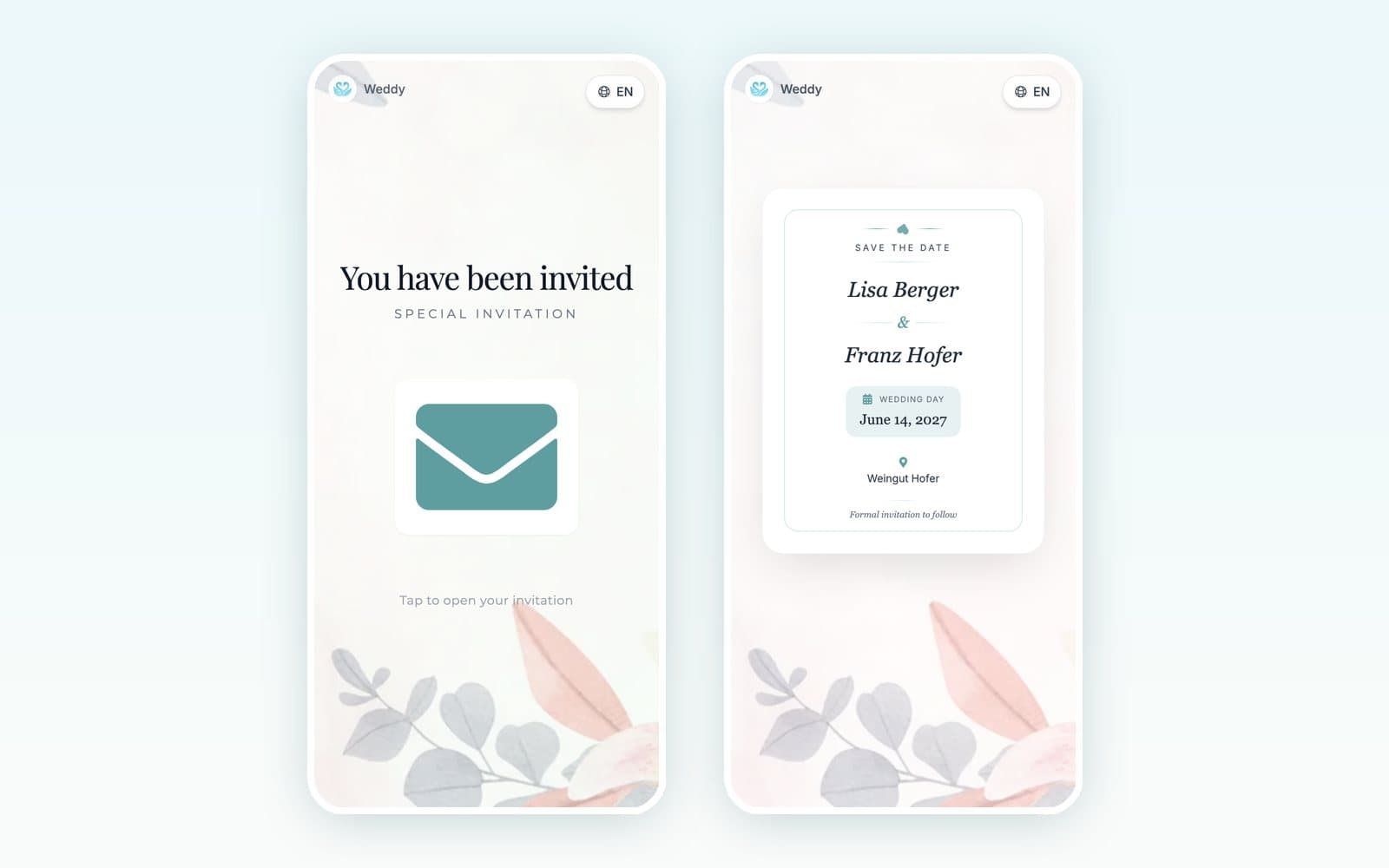
What to put on it:
- Your names, the date, and the city or venue. The rest can wait for the invitation.
- A few photos of the two of you. Engagement shots are nice, but phone pictures you like work just as well.
- The right language for each guest. If half the family speaks another language, a card that switches languages saves you from translating it by hand.
- A line like "Formal invitation to follow", so nobody asks about the dress code yet.
In Weddy you pick a background style and an accent color, add up to five photos, and share the card as a link. You can put a password on it if you'd rather it didn't get forwarded around.
Paper still makes sense for grandparents who don't use email, and for anyone who wants something to stick on the fridge. Print a small batch for them and send everyone else the link.
2. Replace the RSVP card with a wedding website
Paper RSVP cards come back late, half filled in, or not at all, and then someone has to type them into a list. With an RSVP form on a wedding website, guests reply the moment they open the link, and their answer goes straight into your guest list.
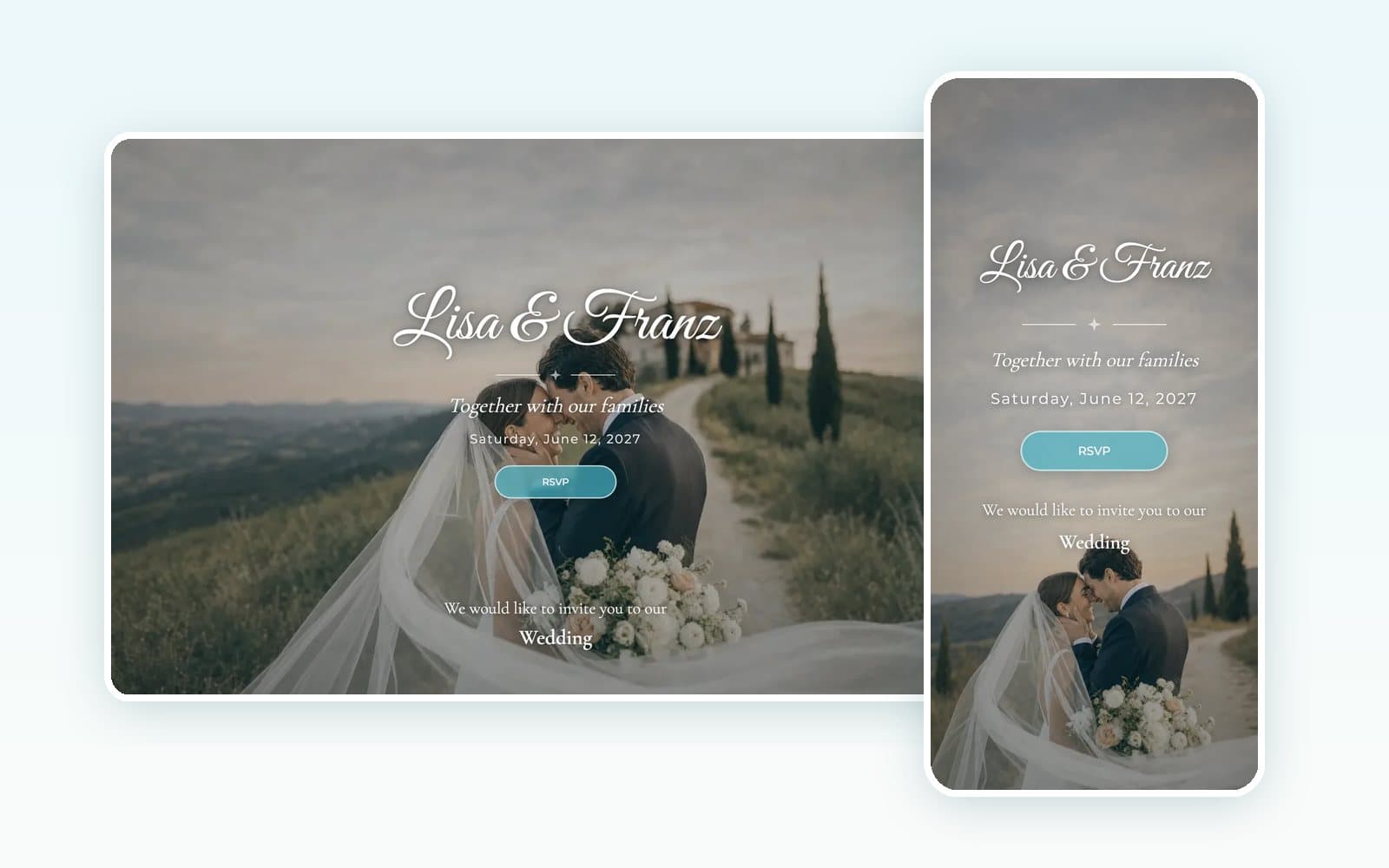
Only ask what you actually need to know:
- Are they coming?
- Are they bringing a plus-one, and what's their name?
- Any dietary needs or allergies?
- Anything they'd like to say to the two of you? (People love leaving these.)
Put the things guests always ask about on the same site: the schedule, directions, parking, the hotel, the dress code. Every question the site answers is one less text message during the busiest week of your life.
Set the RSVP deadline four to six weeks before the wedding, a bit ahead of when your caterer needs the final number. Since all the answers sit in one list, you can see right away who hasn't replied and send them a friendly nudge.
3. Collect guest photos with a QR code
Your guests will take hundreds of photos. Most of them stay in camera rolls and a couple of group chats, and you never see them. Put a QR code on the tables and they come to you instead.
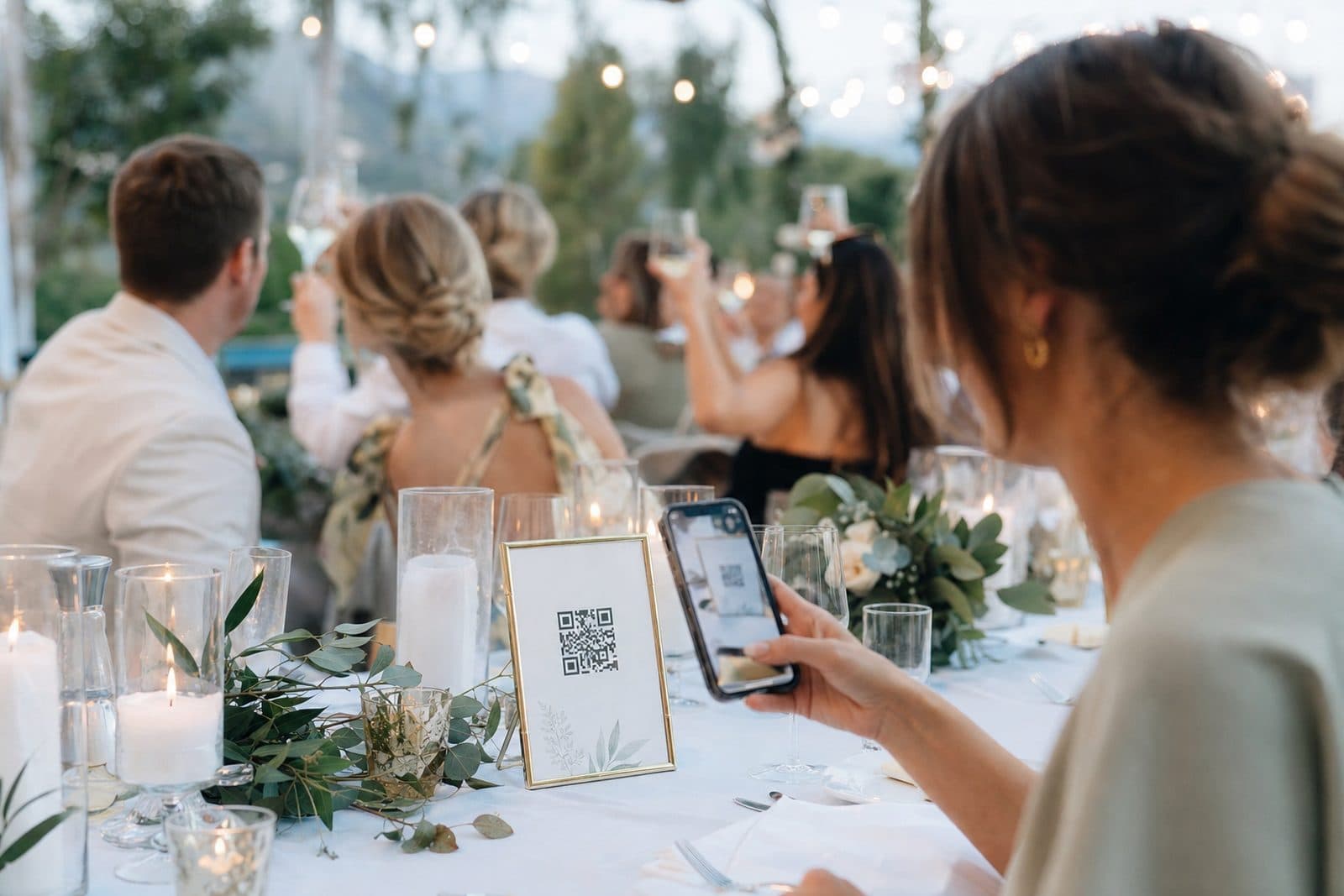
Guests scan the code with their phone camera, pick their photos and upload them. They don't need to install an app or create an account. With Weddy's live slideshow, the photos can also appear on a screen or projector at the venue during the party, and once people see their own pictures up there, they tend to upload more.
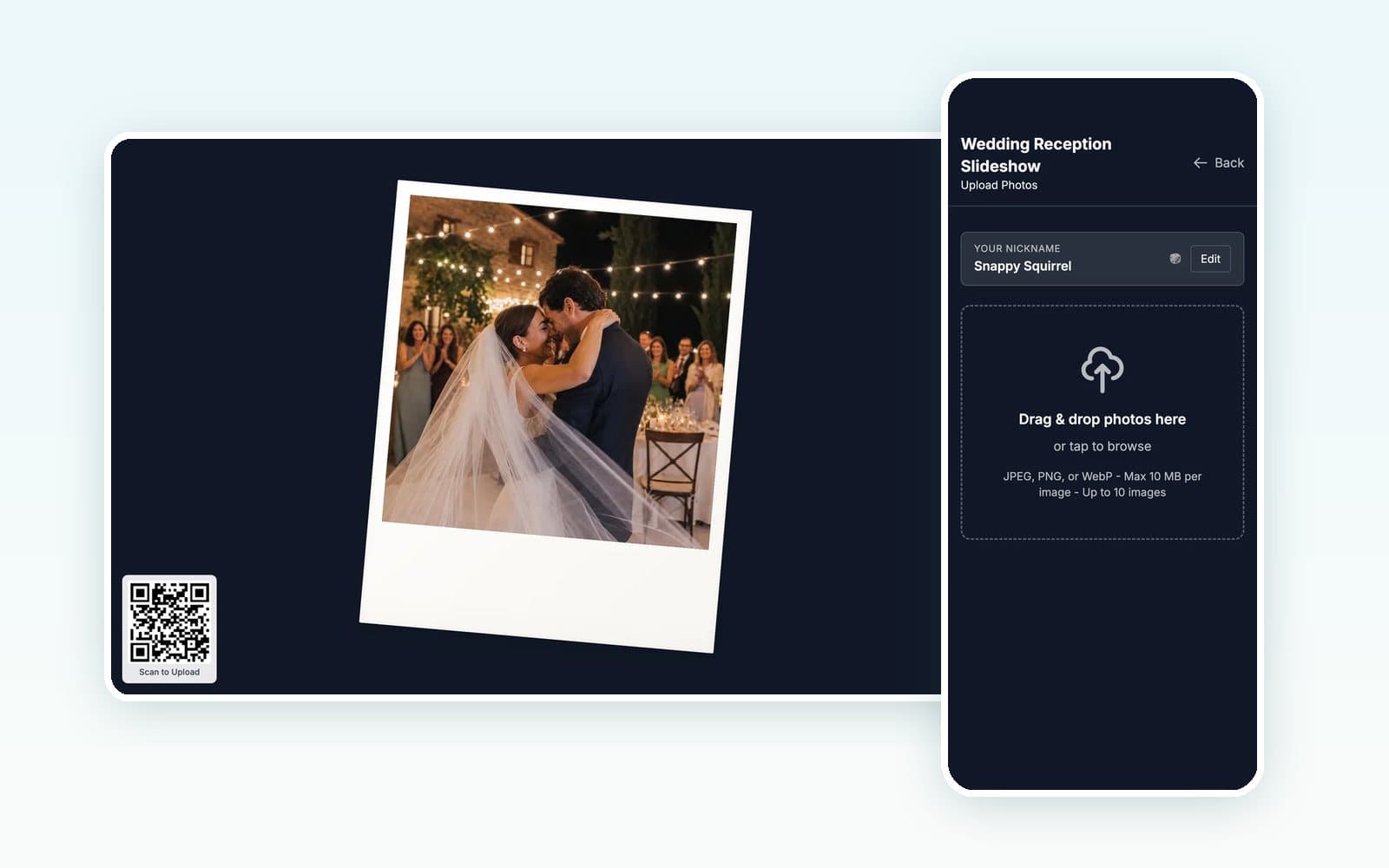
A few things that help:
- Put a code on every table, not just one sign at the entrance. One by the bar doesn't hurt either.
- Test it at the venue beforehand. Make sure the mobile signal or the wifi can handle uploads.
- If you're worried about what an uncle might post after midnight, turn on photo approval. Then nothing shows on screen until you or a helper approve it.
- Download everything soon after the wedding. In Weddy the photos stay available for three months after the event, and you can save them all in one go.
4. Share planning details with vendors by link
Your photographer needs the timeline. The caterer needs the guest count and the dietary needs, and the venue wants the seating plan. Most couples end up sending the same details in five separate emails, then sending them all again whenever something changes.

It's much easier to keep one plan and give each vendor a link to the parts they need. In Weddy you create a share link for each vendor, set a password, and choose which sections it shows: guests, timeline, seating or the food menu. The photographer gets the timeline, and the caterer gets the menu and the guest list. If you push the first dance back half an hour, everyone sees the new time and you don't have to write another email.
This is also better for your guests' privacy. The DJ has no reason to see anyone's allergies, and the florist doesn't need the guest list.
5. Plan together, on both phones
In a lot of couples, one person turns into the "wedding admin" and the other hears about decisions after the fact. It goes better when you both work from the same plan. Invite your partner once, and you'll both see the same budget, guest list and to-dos, always up to date.
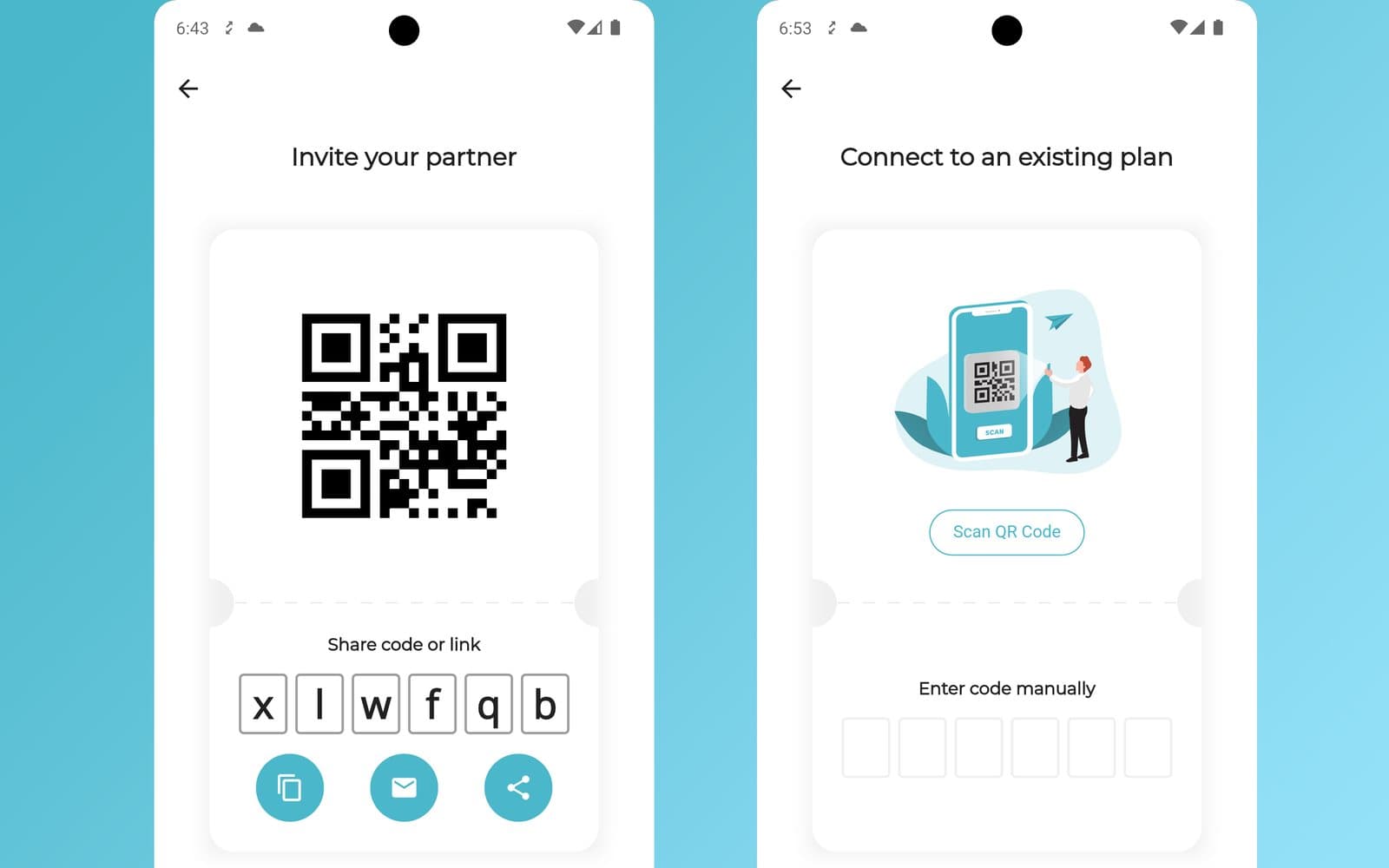
We'd split the work by area rather than by task. One of you owns the guest list and seating, the other owns vendors and budget. You can both still see everything, but each area has one person who makes the call.
6. Keep budget, guests and seating in one place
A spreadsheet works until your budget, guest list and seating chart end up in three separate files. After that they slowly stop matching. Someone cancels, but their seat stays taken. A new plus-one never makes it into the catering count.
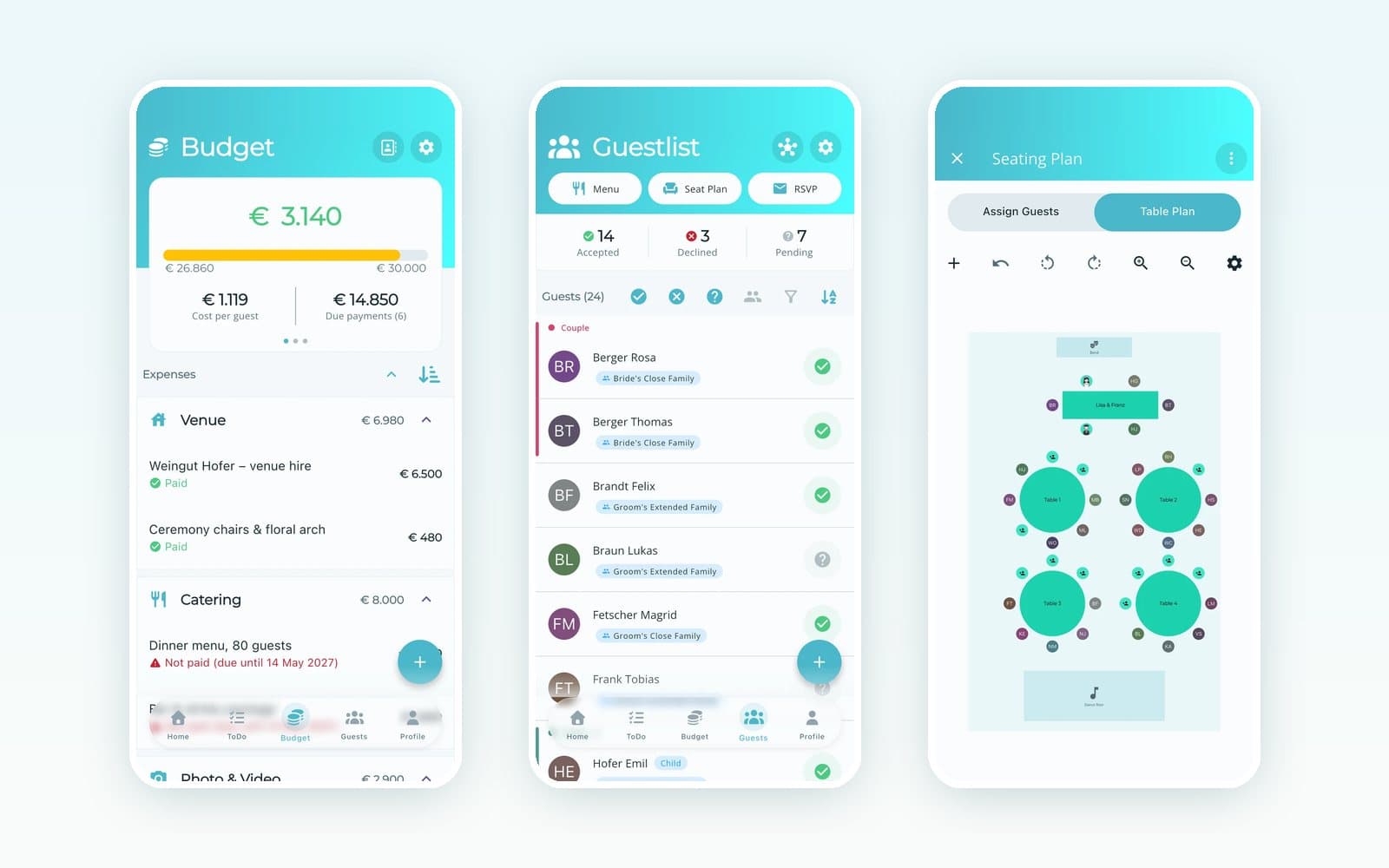
When everything is connected, RSVPs update the guest list, the guest list feeds the seating plan, and the budget shows what's paid and what's still due. If you're only starting out, our free wedding budget calculator gives you a first idea of where the money usually goes.
7. Use AI for the boring parts
AI won't plan your wedding for you, and you wouldn't want it to. Where it helps is the tedious stuff: turning a vague idea into a checklist, noticing what's missing from your budget, drafting a message to a vendor, or suggesting what to tackle next.
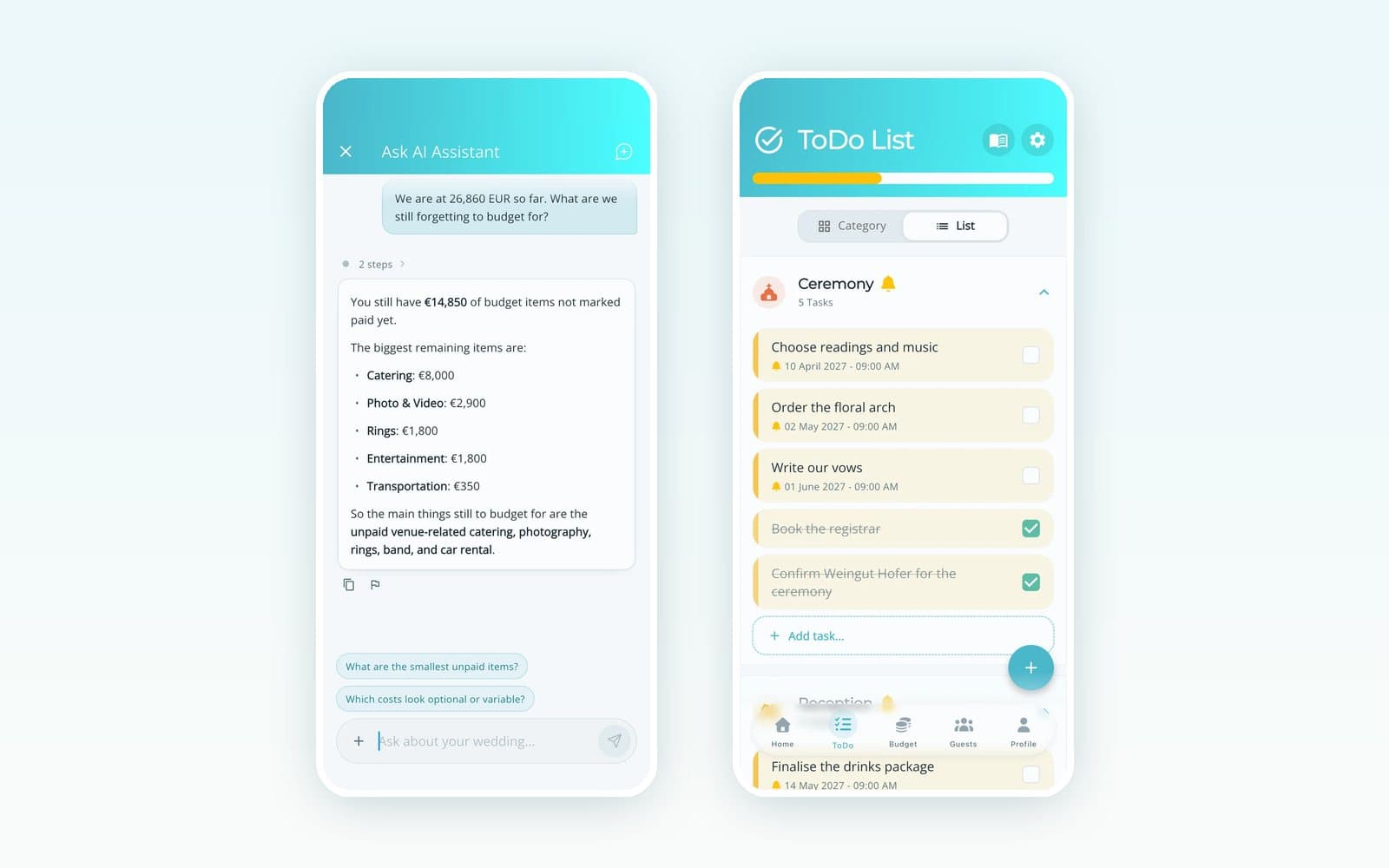
It works best when you ask about your own plan. "What are we still forgetting to budget for?" gets a much better answer from an assistant that can see your actual expenses than from a general chatbot.
What still works best offline
We wouldn't put everything on a screen. A few things are better analog:
- The invitation itself, if it matters to you or your families. A digital save-the-date followed by a printed invitation is a perfectly good mix.
- Thank-you notes. A handwritten card still means more than a message.
- The day itself. Once the ceremony starts, give your phone to someone you trust and stop checking it.
A simple 2027 setup
If you only take one thing from this post, take this list:
- Send a digital save-the-date 8 to 12 months before the wedding.
- Set up a wedding website with an RSVP form, and put the link in your invitations.
- Give each vendor their own link to the timeline, seating and menu.
- Put a QR code on every table for guest photos.
- Keep the budget, guest list and seating in one app you both use.
Weddy covers all of it: save-the-dates, the RSVP website, the live photo slideshow and vendor share links, plus the budget, guest list and seating plan behind them. The app is free to download, so you can try it with your own plans before you decide.
Ready to Plan Your Perfect Wedding?
Download Weddy today and get access to all the tools you need to plan your dream wedding stress-free.
Get Started for FreeRelated Articles
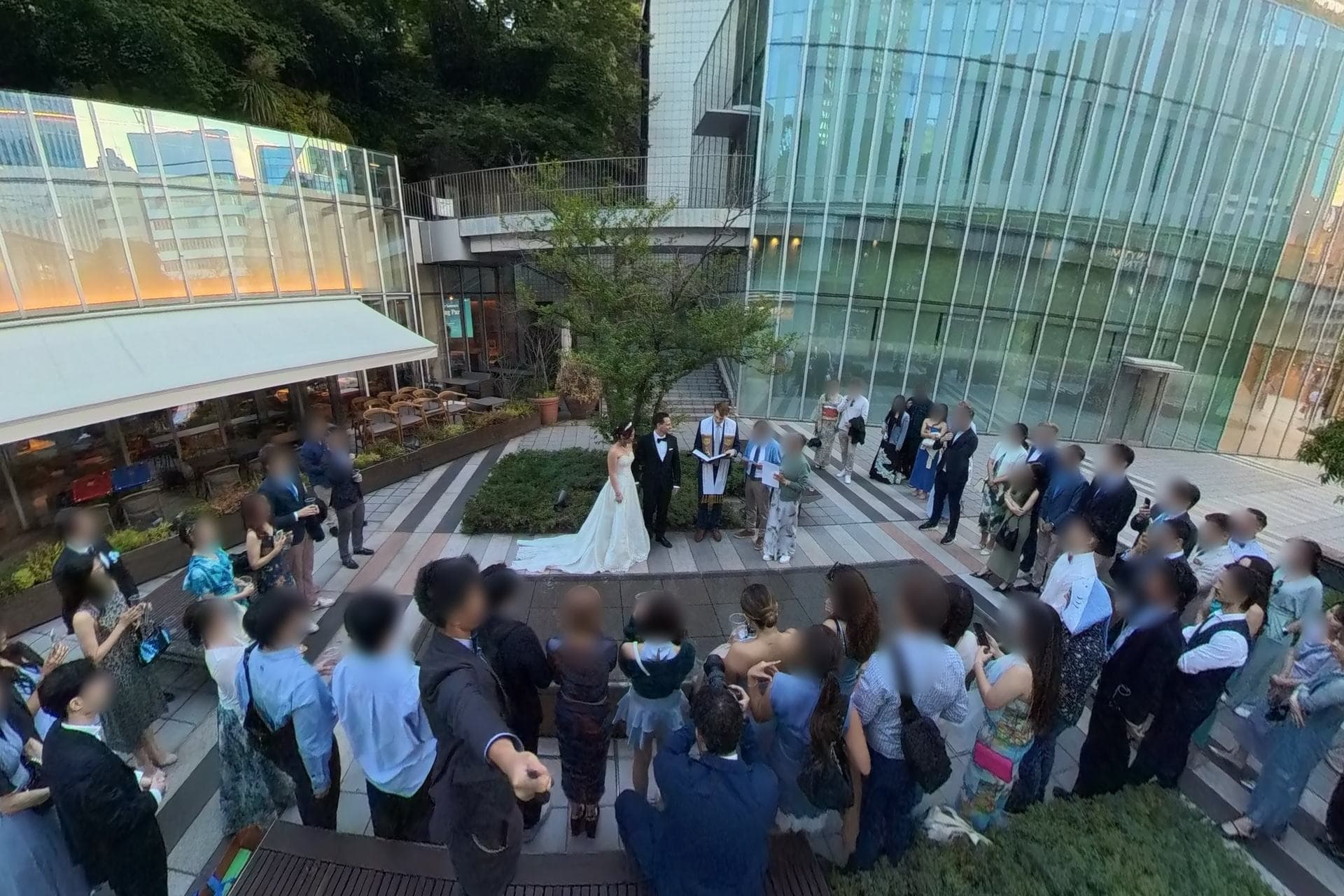
10 Wedding Planning Lessons From My Own Wedding
What I learned from planning our own wedding party in Tokyo: the venue, hidden costs, DIY decorations, a friend as officiant, guest games and the photos I forgot to take.

10 Smart Ways to Save on Your Wedding Budget
Discover practical tips to create your dream wedding without breaking the bank. Learn where to splurge and where to save.

Planning the Perfect Wedding Timeline: A Complete Guide
Learn how to create a stress-free wedding timeline that keeps your special day running smoothly from start to finish.